

Quick to add, detailed when needed
For a quick entry, add the amount and tap Save. More details are there whenever you want them.
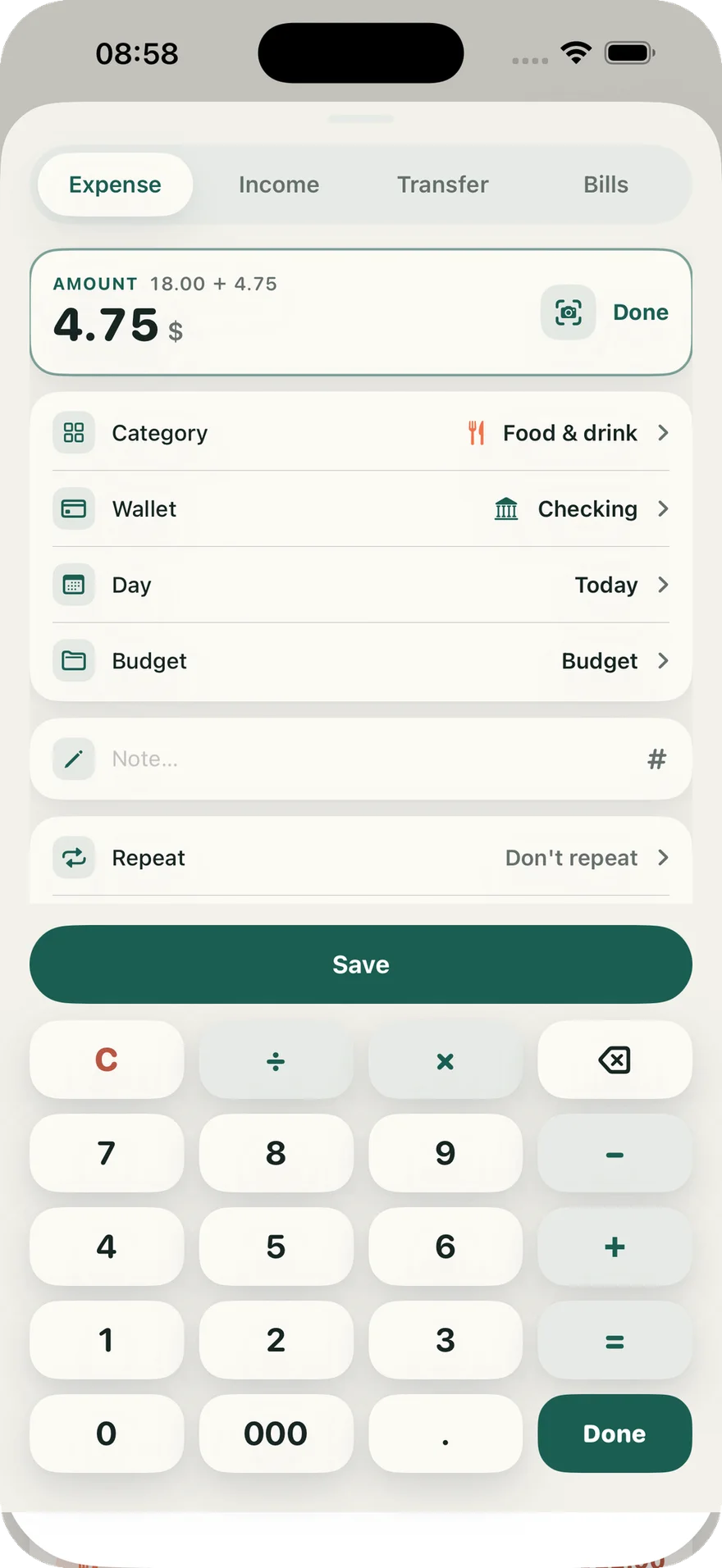
Detailed when you need it, quick every day
From a VietQR payment at the café to card statements, household budgets, and investments.

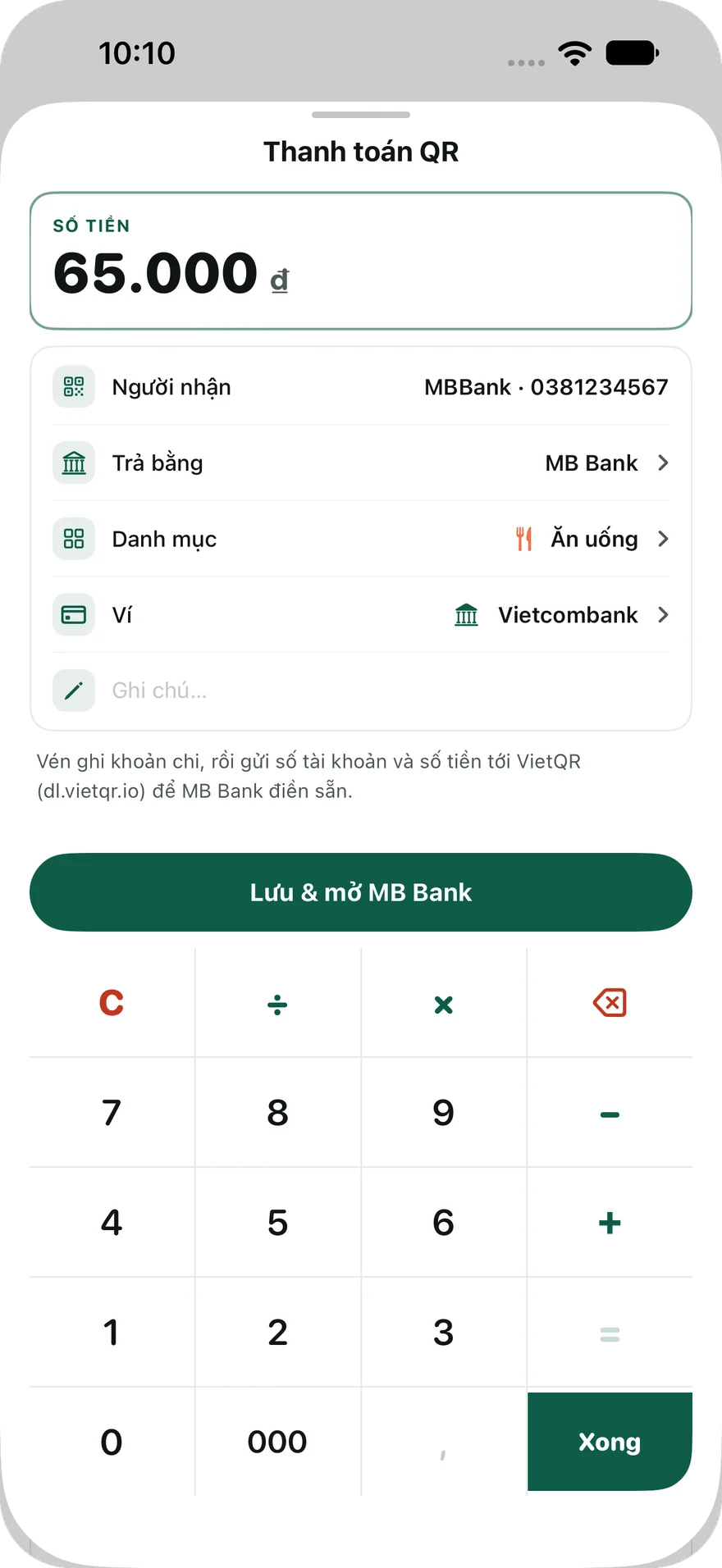
Scan QR to pay · VND budgets
Scan a VietQR code from Overview, review the amount, then choose a wallet and category. Vén logs the expense and opens your banking app so you can continue the payment.
Read the recipient's QR code with your iPhone camera.
Check the amount, wallet, and category, then tap Save & open.
Review the transfer details and confirm the payment yourself.
Recipient and amount prefill supported
Available for VND budgets. If prefill is unsupported or the link cannot be retrieved, scan the QR again in your banking app. A logged expense does not confirm a successful transfer.
Credit cards
Track balances from the transactions you record, statement dates, payment due dates, and paid cycles. See estimated cashback based on your card rules and spending categories.
One card is free; Premium unlocks additional cards. Vén does not connect to your bank, retrieve statements, or make payments. Balances and cashback are estimates based on information you enter.
View current and closed cycles, then mark a cycle as paid.
Enable reminders three days before the due date and on the day itself.
Choose a listed card or enter your own rules. Select cashback groups when recording expenses.
For a quick entry, add the amount and tap Save. More details are there whenever you want them.
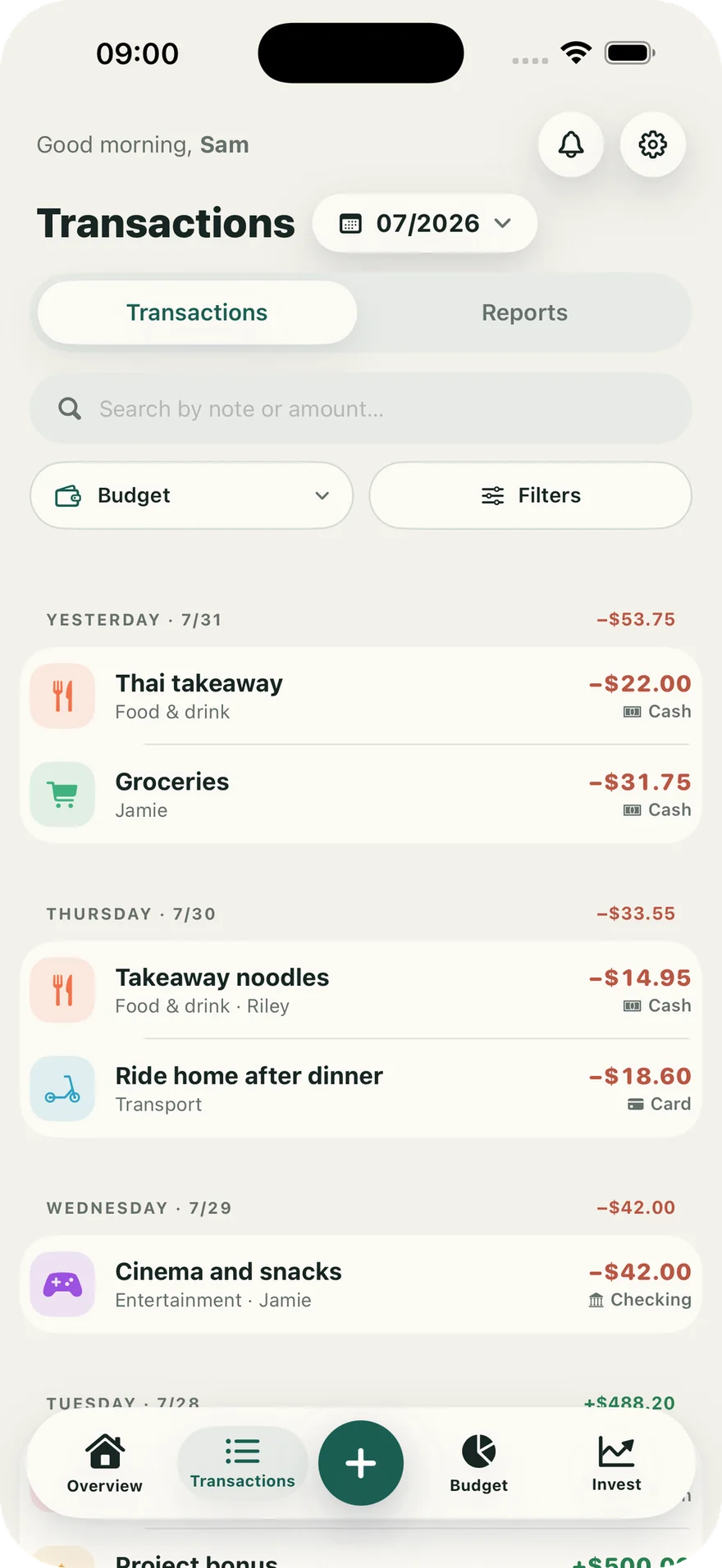
Your budget does not have to start on the first of the month. Each one can have its own period, limits, and entries.
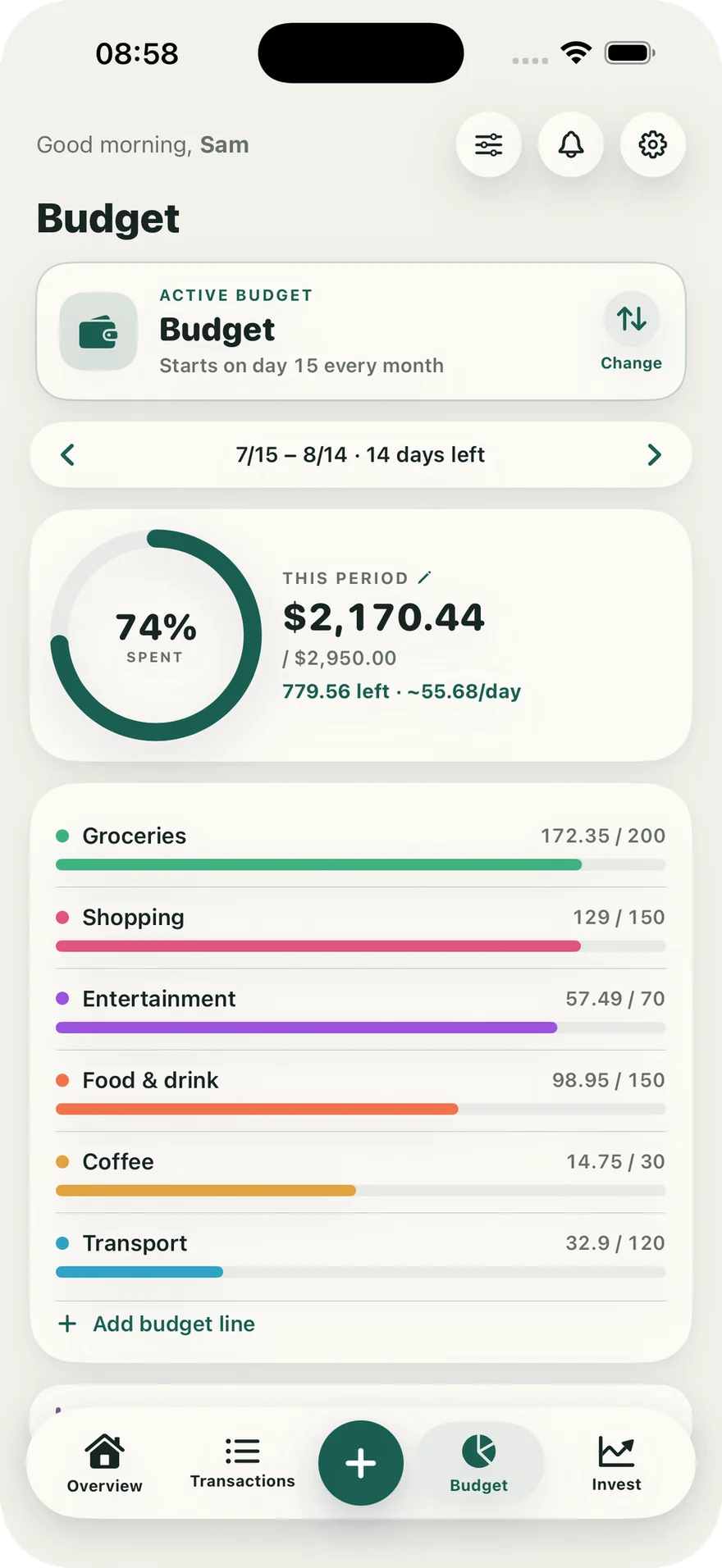
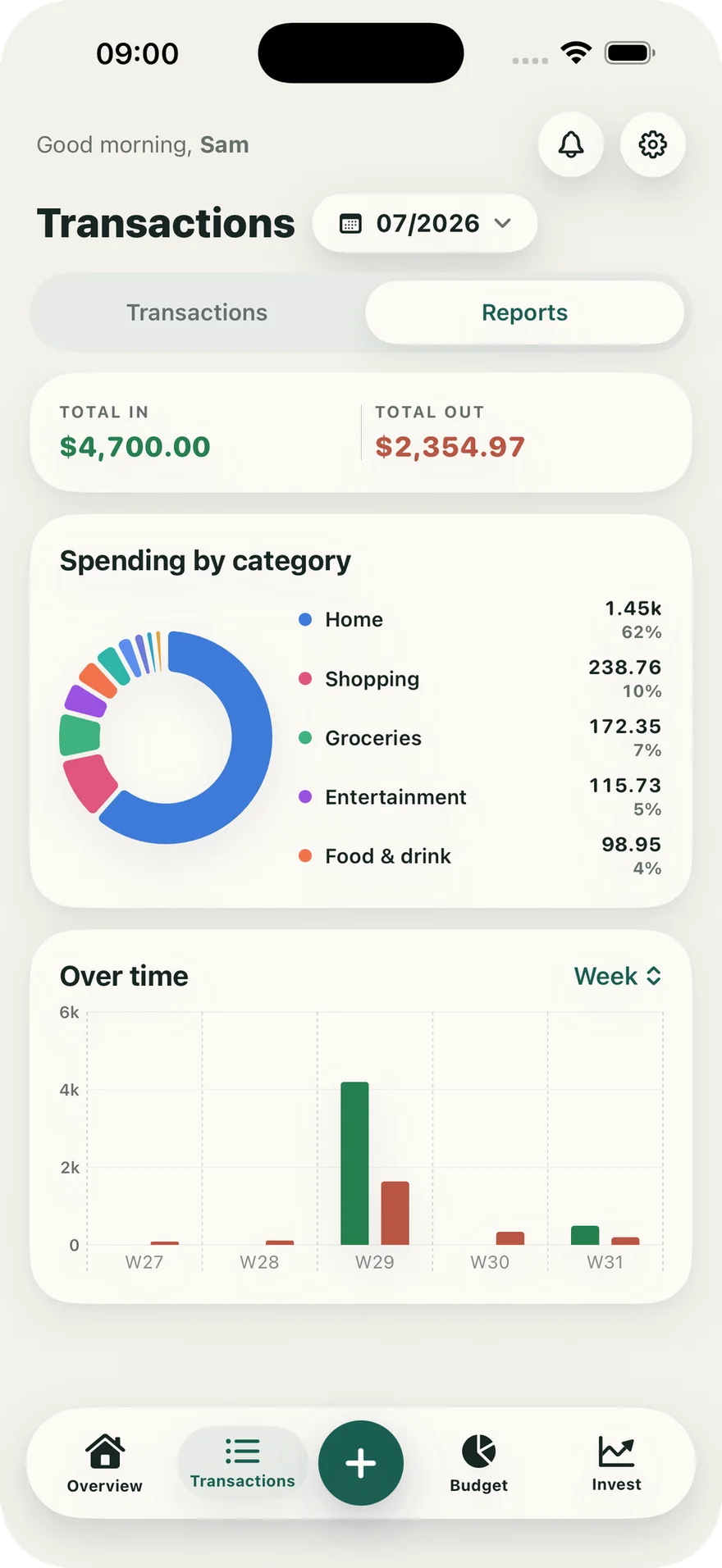
See your income, spending, and which categories take the largest share of your budget.
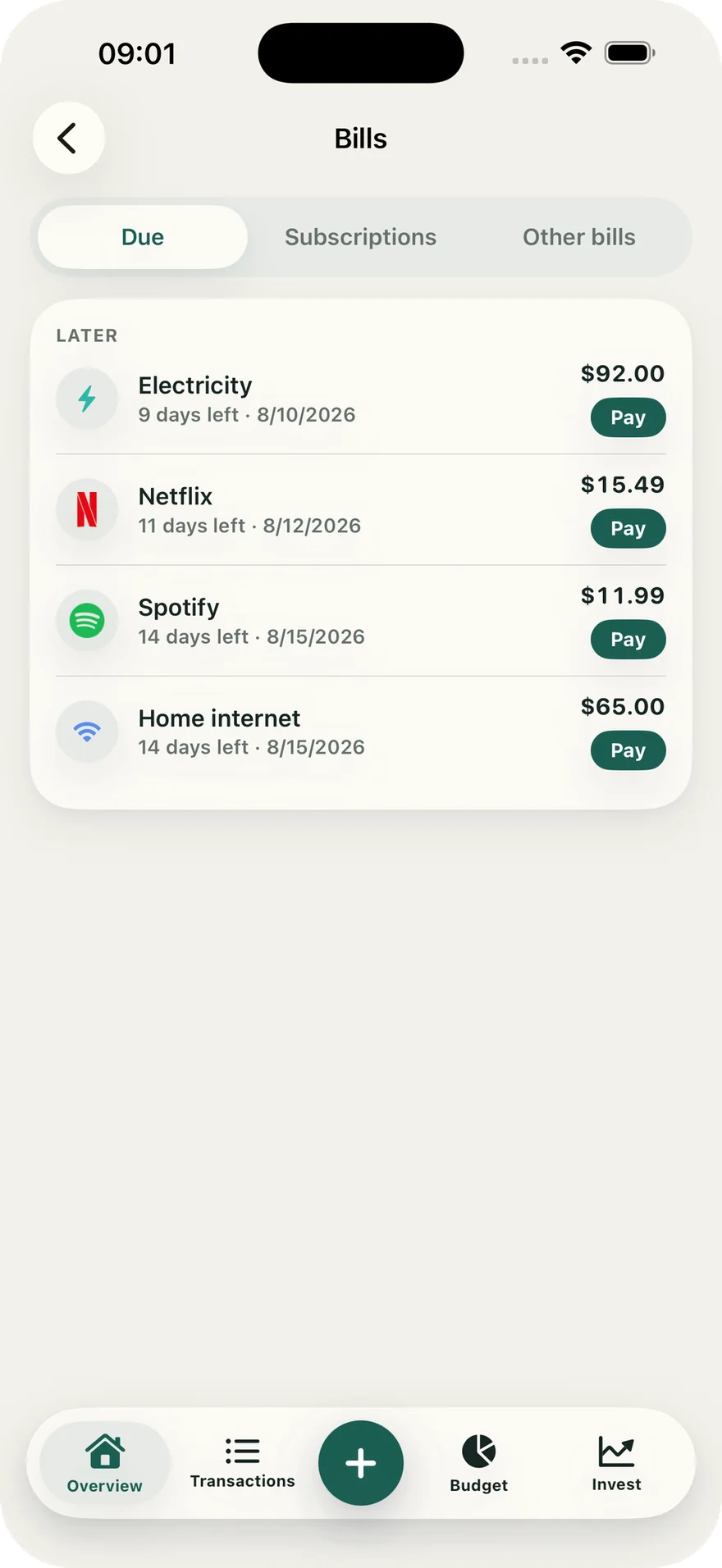
Get a reminder at the right time and avoid retyping information already printed on a receipt.
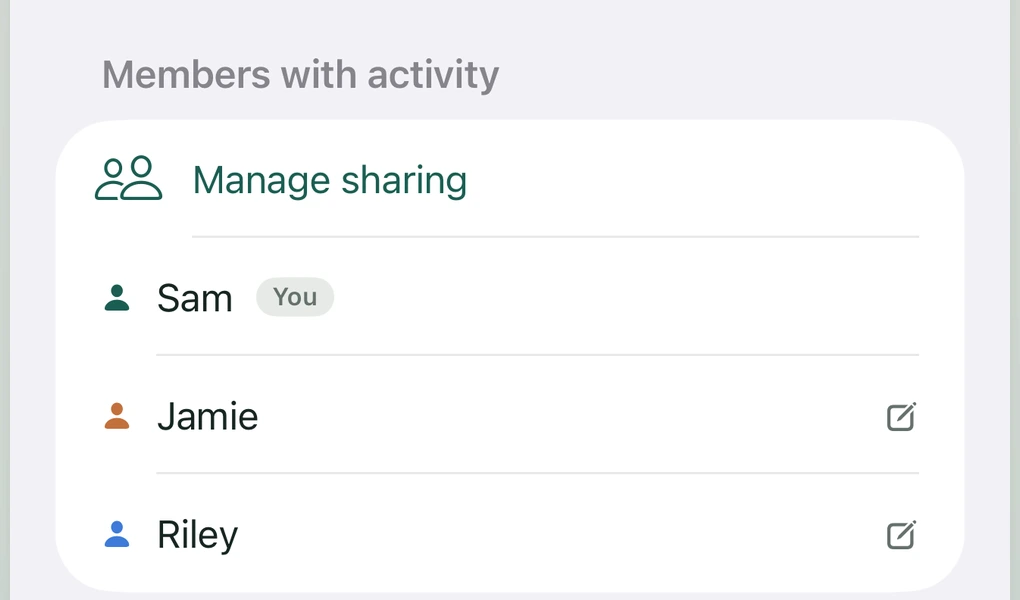
Follow one household budget together while keeping the rest of each person's finances private.
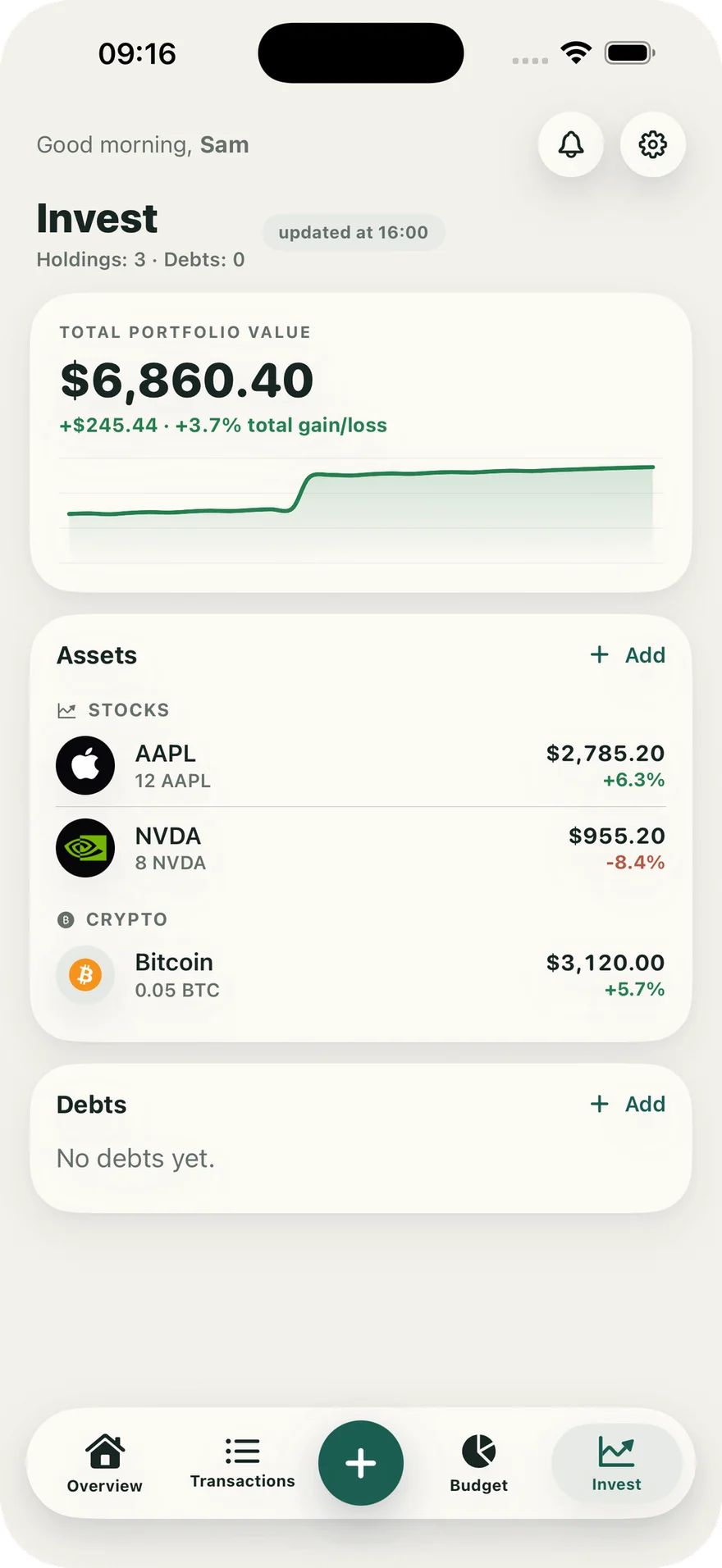
Keep investments, savings, and debts alongside the budget you use every day.
Create a full backup, export transactions to CSV, and keep seven recent copies on your device.
Read our privacy promise