No account
Open the app and start. No Vén Wallet account is required.
A clearer view of your money, with privacy intact
Track spending, scan VietQR, follow credit cards and budgets. A private money book for everyday life.
Open the app and start. No Vén Wallet account is required.
No ads and no third-party tools watching how you use the app.
Your records and receipt photos stay on your iPhone.
The full version is a one-time purchase with no automatic renewal.
Scan QR to pay · VND budgets
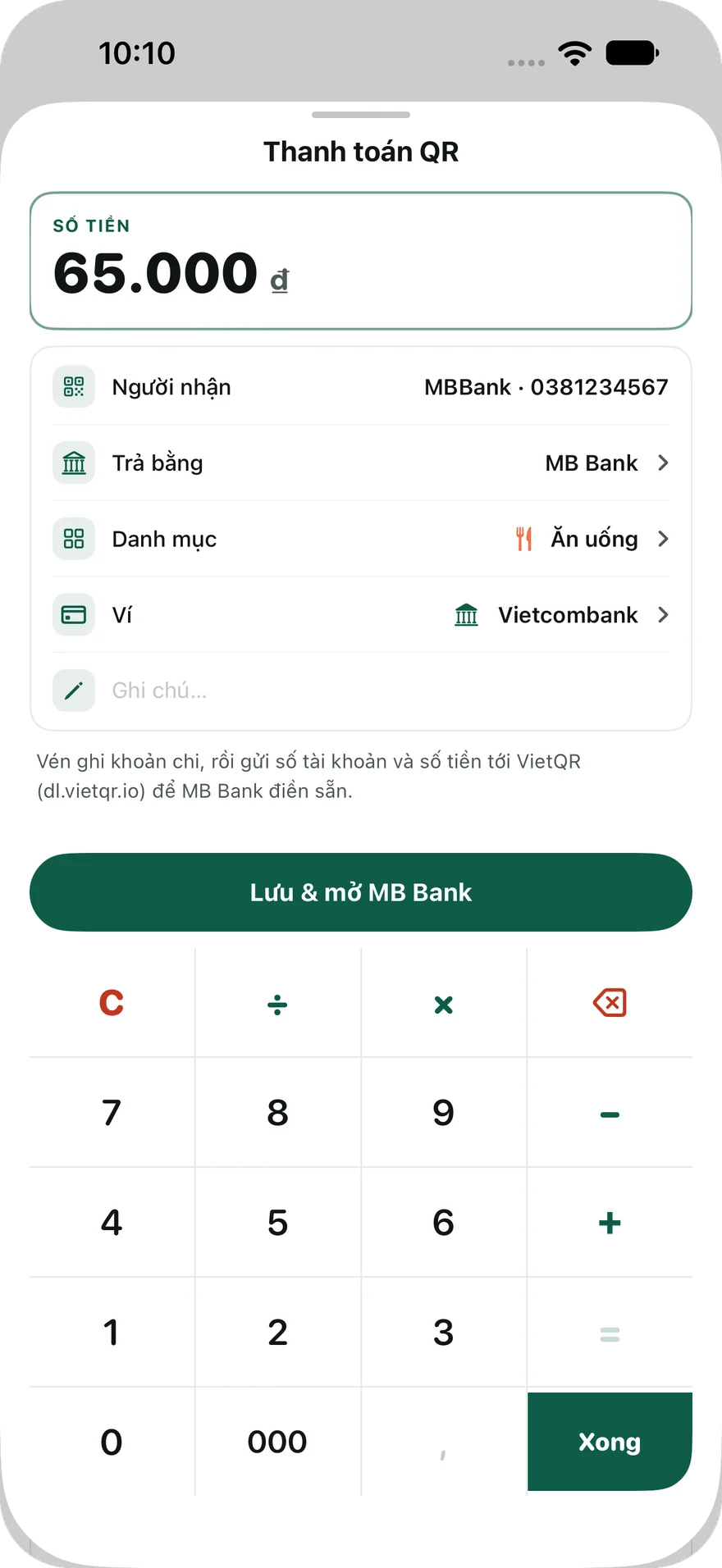
Scan a VietQR code from Overview, review the amount, then choose a wallet and category. Vén logs the expense and opens your banking app so you can continue the payment.
Read the recipient's QR code with your iPhone camera.
Check the amount, wallet, and category, then tap Save & open.
Review the transfer details and confirm the payment yourself.
Recipient and amount prefill supported
Available for VND budgets. If prefill is unsupported or the link cannot be retrieved, scan the QR again in your banking app. A logged expense does not confirm a successful transfer.
Credit cards
Track balances from the transactions you record, statement dates, payment due dates, and paid cycles. See estimated cashback based on your card rules and spending categories.
One card is free; Premium unlocks additional cards. Vén does not connect to your bank, retrieve statements, or make payments. Balances and cashback are estimates based on information you enter.
View current and closed cycles, then mark a cycle as paid.
Enable reminders three days before the due date and on the day itself.
Choose a listed card or enter your own rules. Select cashback groups when recording expenses.
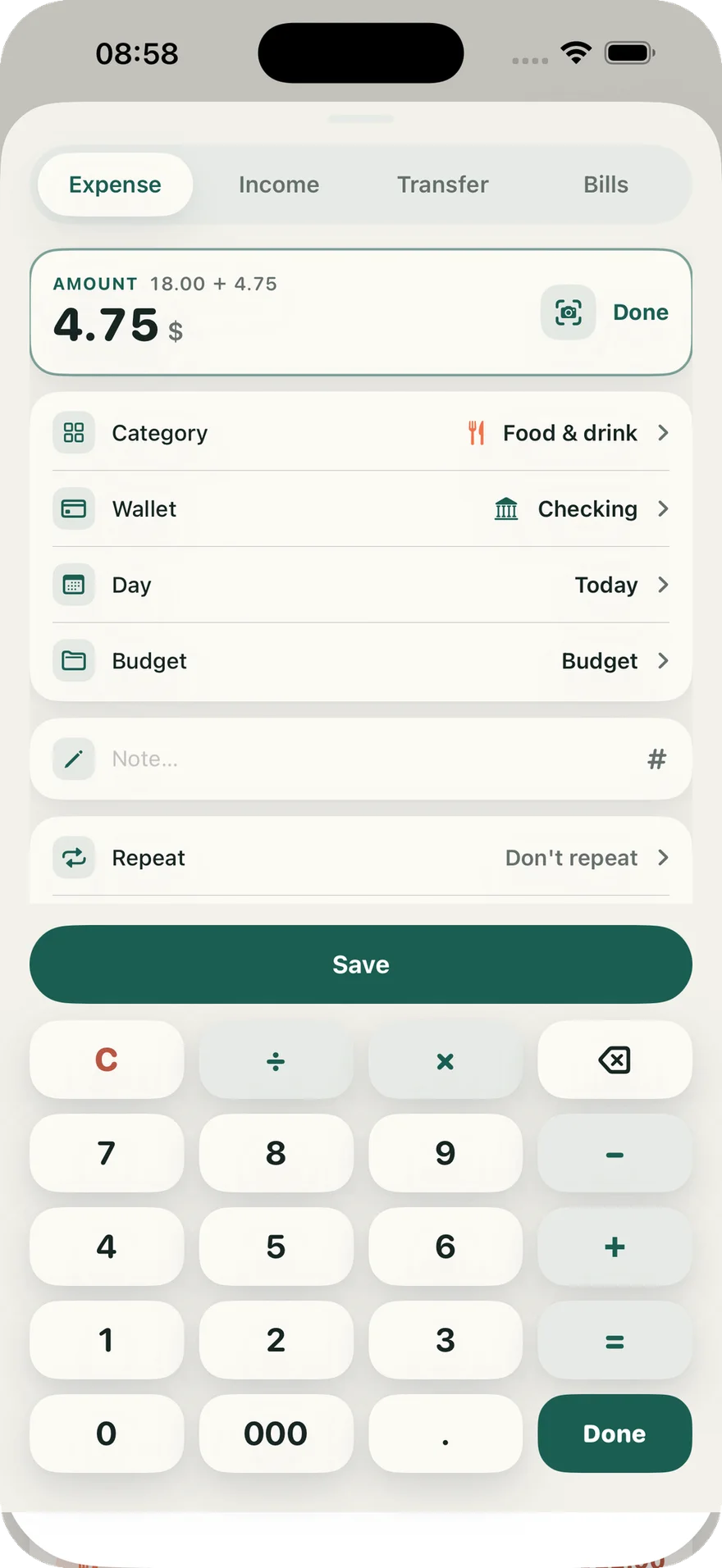
A built-in calculator, recent categories, and a short save flow make everyday tracking quick.
Add expenses, income, transfers, and bills from the same + button
Include notes, tags, photos, split amounts, and recurring entries when needed
Scan receipts on your iPhone and review every detail before saving
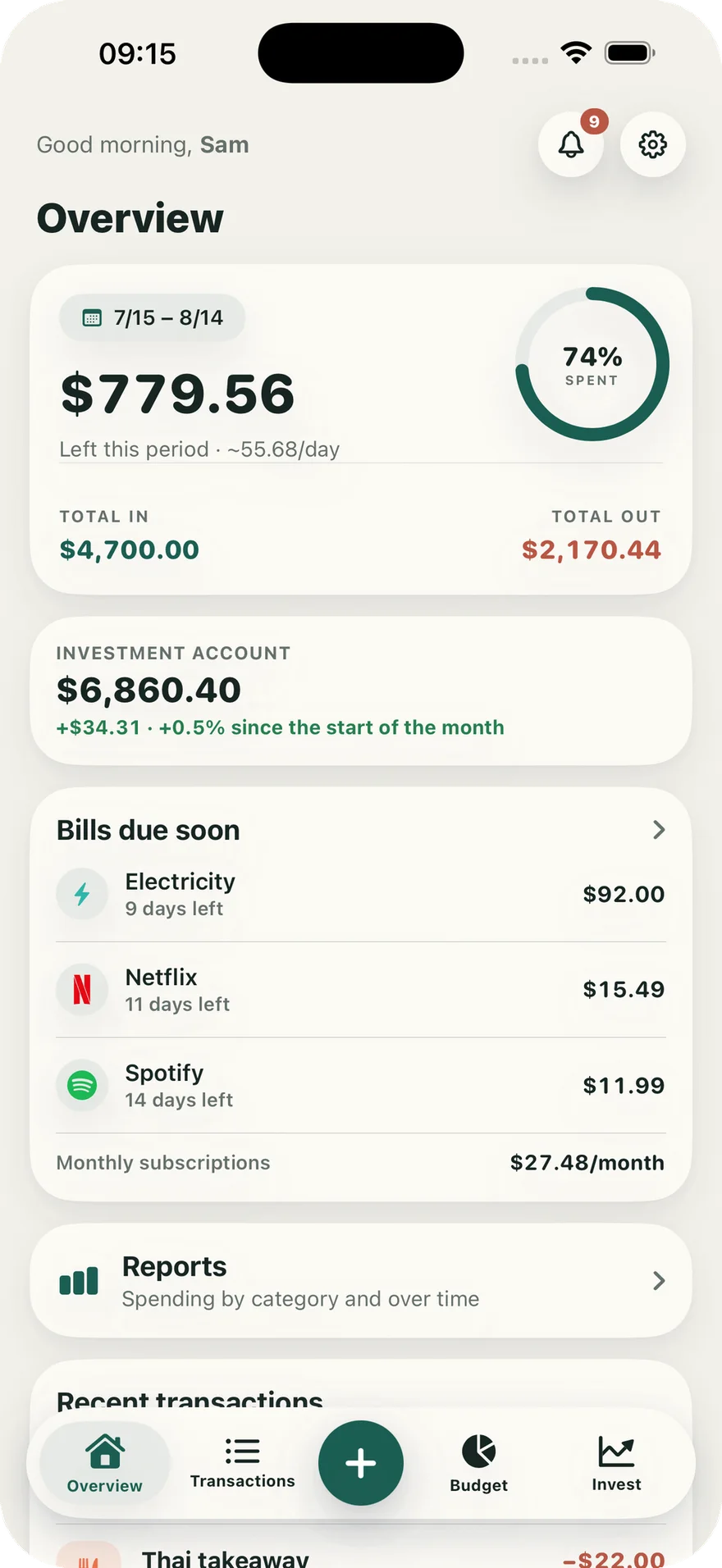
See what is left this period, upcoming bills, investments, and recent activity at a glance.
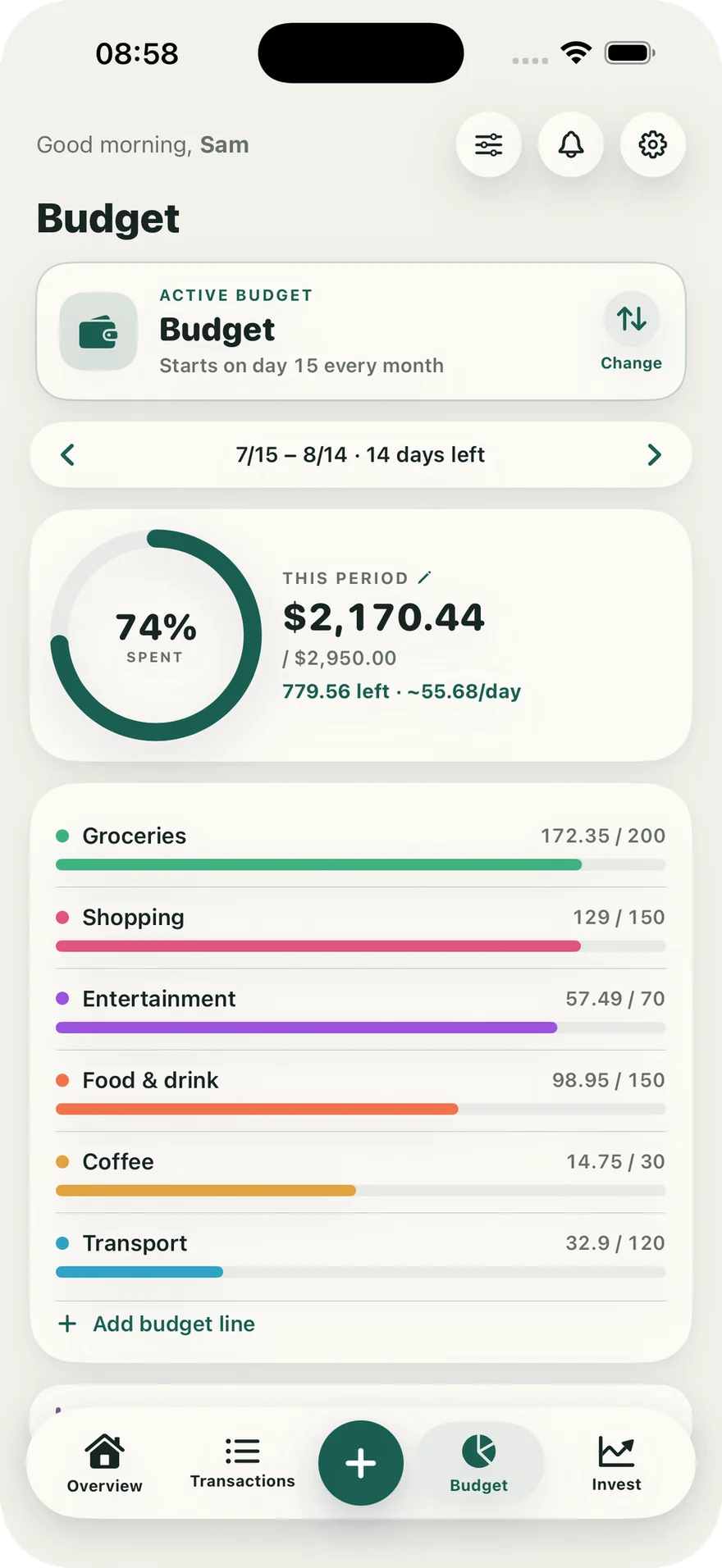
Choose when each budget period starts, set category limits, and get a reminder before the money runs out.
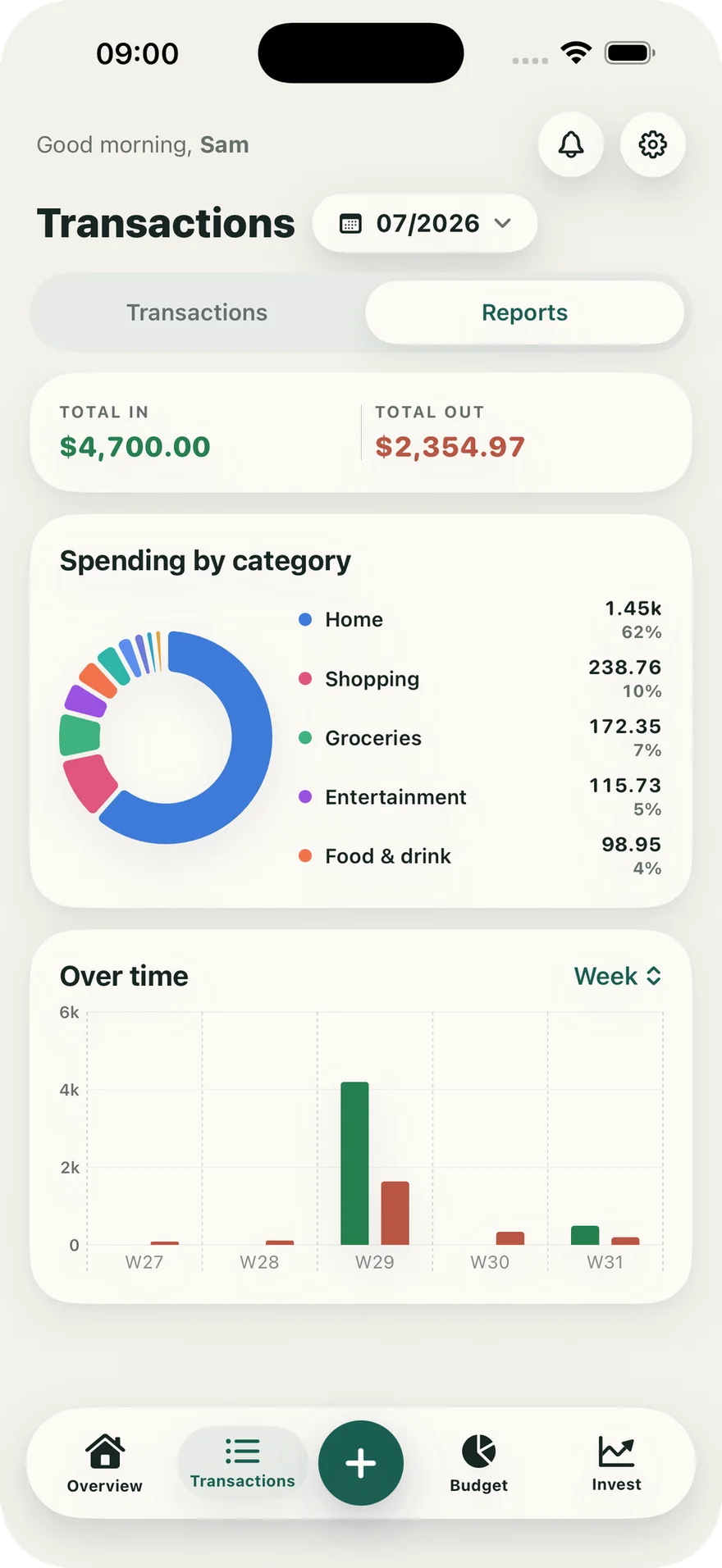
See where your money went by category, day, week, month, or year.
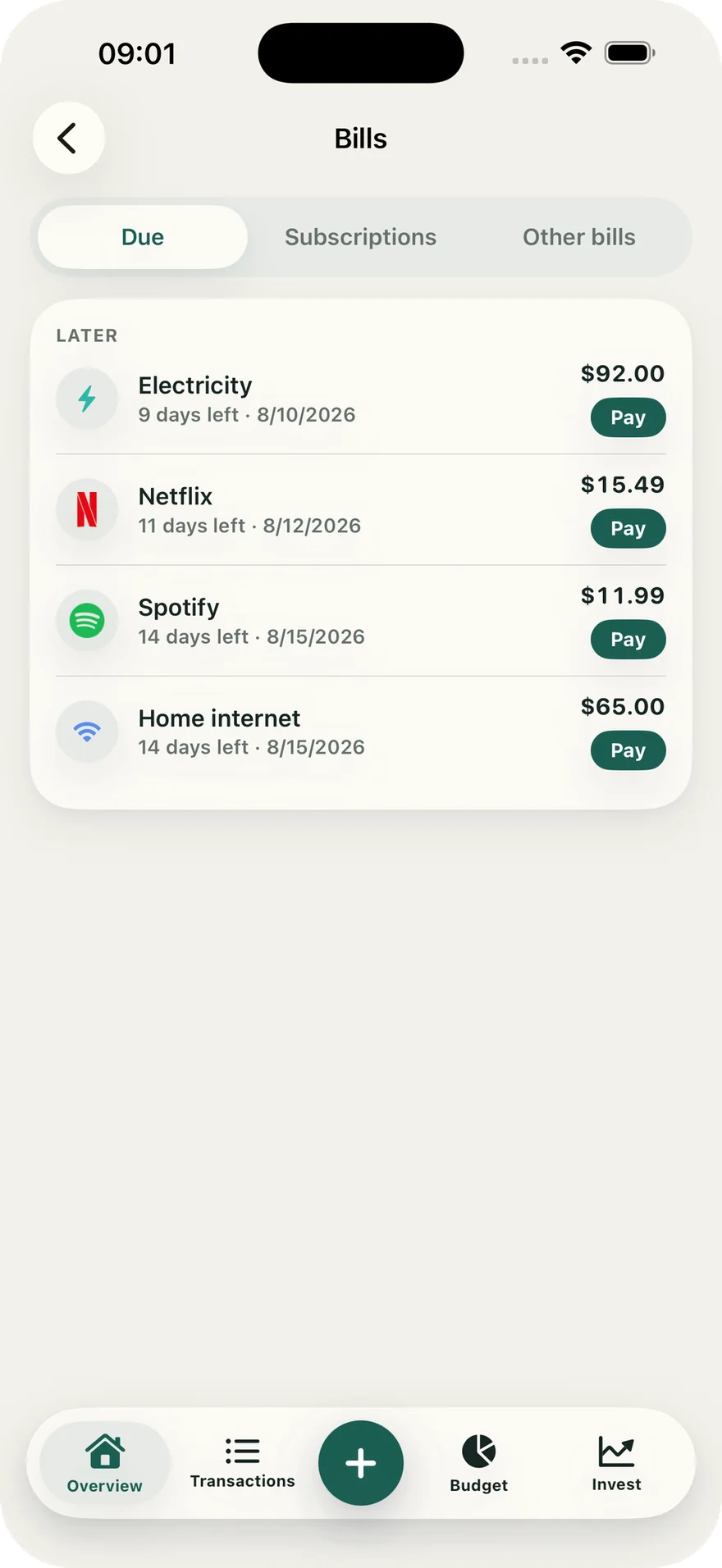
Get reminders before bills are due, mark them paid, and see recurring payments as one monthly total.
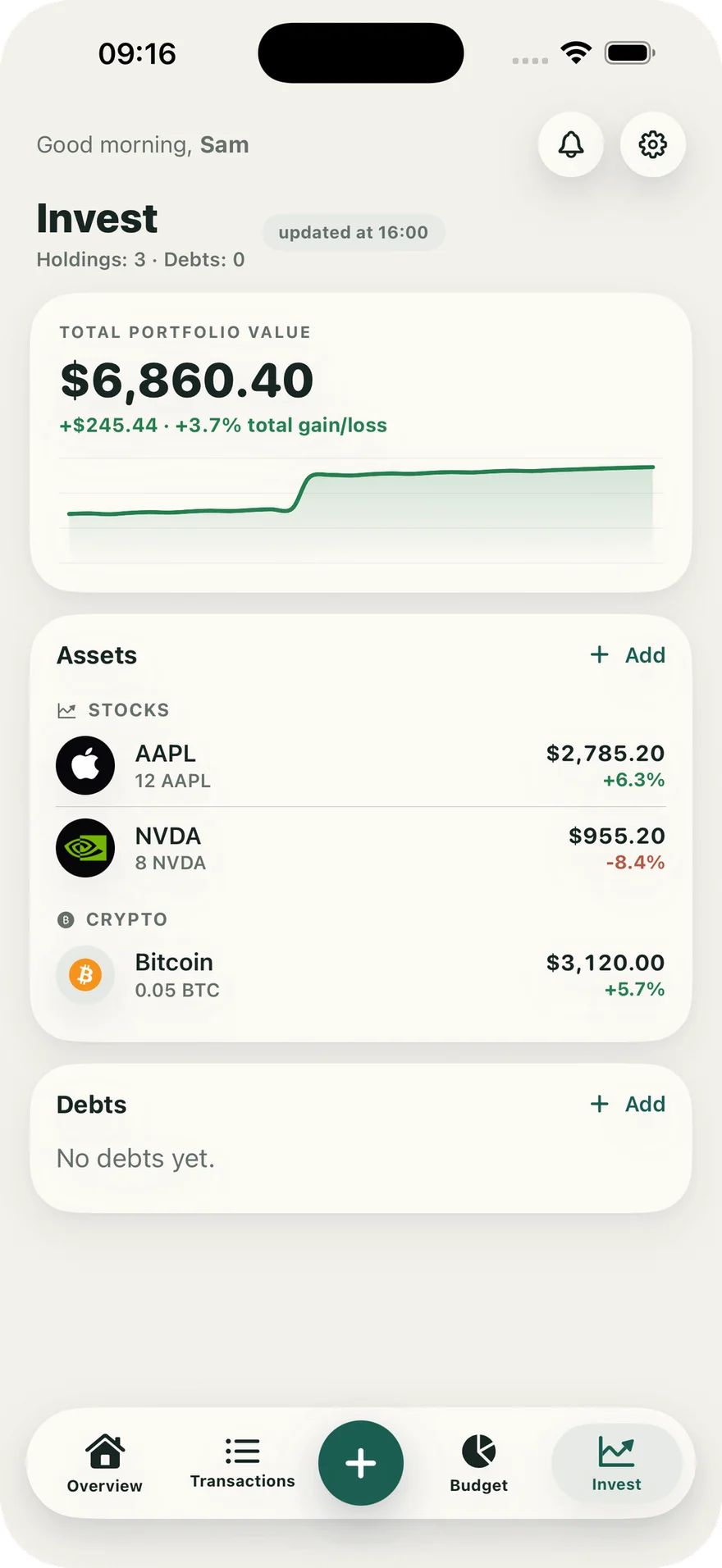
Follow stocks, crypto, savings, debts, purchase prices, and gains or losses.
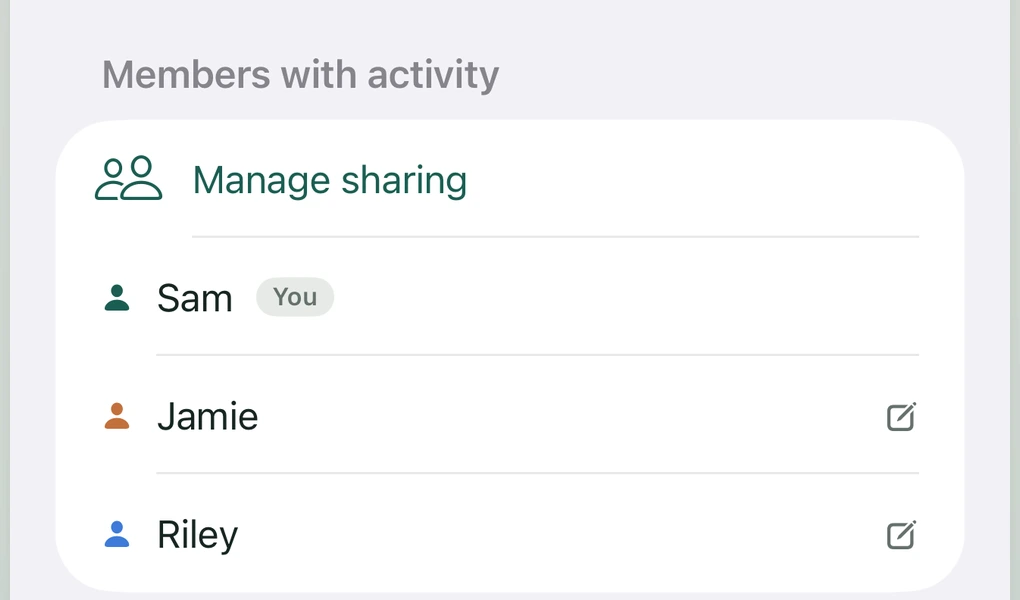
Add shared expenses, see who paid, and follow one household budget together. Personal wallets and balances remain private.
Shared information is stored through your iCloud, not on a Vén Wallet server.

Your records stay on your iPhone; iCloud sync is your choice. VietQR prefill sends recipient details and the amount to VietQR to open your banking app. You always confirm payment in that app.
Start with everyday tracking, VietQR scanning, one credit card, a budget, bills, app lock, and backups.



Vén Wallet helps you stay aware of your money without trading privacy for convenience.